
Create your Google My Business business listing
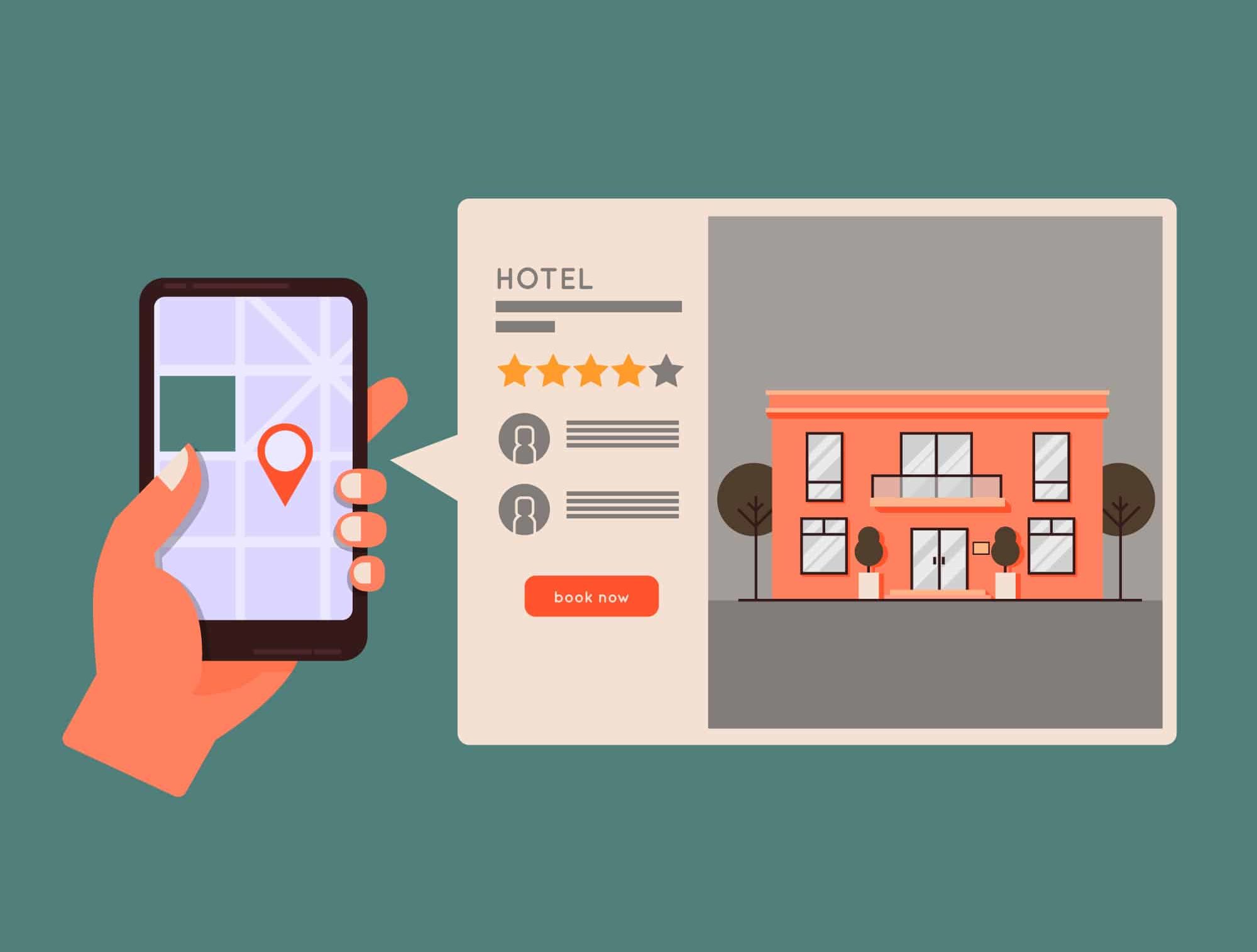
Having an online presence is crucial to getting the word out about your business and attracting new customers. And the first step in increasing your online visibility is to create a Google My Business business listing. This listing will appear in local search results and on Google Maps, making it easier for users to find your business. In this blog, we'll show you step-by-step how to create your Google Business Profile. Follow these instructions carefully to list your business and optimize your online presence and attract more customers!
Create a Google Business Profile account
Start from scratch
To get started, you'll need to create a Google My Business account. If you don't already have one, go to Google's dedicated site: https://www.google.com/intl/fr_fr/business/. Click on “Create a form.” Sign in to your Google account or create one if you don't have one.

Then follow the form to complete the main information about your business. Here are some screenshots of the form that will be requested when creating your Google My Business business listing.


You will have to enter all the information about your business: its address, telephone number, website, etc. You will also be asked for your opening hours and the coverage area of your business. Finally, when the form is correctly completed, Google will ask you to validate your establishment. This can be done in several different ways:
- By phone or text message using the number on your Google Business business card.
- By email.
- Video call.
- By video recording.
- By mail to the address indicated on your form.
In all cases, you will be asked to indicate your location, the establishment where you are located, and proof that you manage the business well.
Claim a Google Business Profile
In the same way as to create a Google My Business form from scratch, you need to go to the dedicated page. Also click on connect and select the existing form, proposed in the drop-down list. You are then redirected to the specific page where you can request access.

Once you have completed the form following this access request, you will receive a response from the current owner of the form. The latter can choose to transfer ownership to you or authorize you to manage the profile.
Access to the Google My Business dashboard
So now that you've successfully created your Google My Business account, it's time to access the dashboard. To do this, enter the name of your business in the search bar. If you're signed in with your Google account, you should see your business listing.

A whole range of elements are then available to you! You can change the main data such as opening hours or contact information by clicking on “Edit form”. Easily access reviews, messages, photos, and stats from your Google Business account. You can also activate numerous services from the main panel:
- Add news about your establishment.
- Activate online booking, from your Google Business Profile.
- Share an evaluation form to get your first reviews from customers who have already visited your store.
- Create an ad using your Google Ads account.
- Create an offer to highlight your discounts or sales periods.
Thanks to your Google Business dashboard, you can easily highlight your establishment. Take advantage of all the features of the most used search engine and develop your SEO to increase the number of customers who visit your store. Attract more customers with it.
Focus on basic information
Basic information is information that describes your business and location. Up-to-date and relevant information allows Google to give you more visibility to an audience interested in your offers. It also shows that you are careful with information and that you care about not disappointing search engine users. Enough to increase your visibility even more. Let's start our basic information tour!

The name of your Google My Business business listing
Your name is the most important element in allowing you to stand out from the millions of existing business cards. To increase your natural referencing, your name can be enhanced with additional information. Here are a few techniques.
Name + business activity
This name formulation makes it possible to give more information to Internet users. Such a hook will more easily attract those who are looking for the services you offer and who do not necessarily know your brand. This strategy therefore consists in choosing a name such as:
- Atelier des Trésors - Jewelry
- Dufresne - Jeweler
- Latitude Jewelry
Name + Location or address
Thanks to such a formulation, potential customers can choose the location according to its proximity to their location. Such a strategy pays off for groups with multiple stores. This avoids confusion and reinforces the strength of the establishment sheet in its coverage area. Here are a few examples:
- McDonalds - Paris Champs Elysees
- Mc Donalds - Arc de Triomphe
- McDonalds - Paris Louvre Rivoli
Your brand description
The description of your brand allows you to say a little more about your business. It complements your Business Profile and appears at the beginning of your Business Profile. This element can allow users who are not familiar with your brand to take a closer look at it.
The type of activity of your establishment
The type of your business is important and will define how your establishment is displayed by Google and Google Maps. So it's important to select the type or types that match exactly what you're doing. Three options are offered to you, you can select one or more:
- Online business: If you offer products via your website.
- Local store: If you want to highlight a physical store.
- Service provider: If you are moving from home.
The website linked to your Google account
Add your website so that Google can easily direct your potential customers. Enough to gain visibility and improve the referencing of a website. Be careful to add the page that is most relevant to the search made by Internet users. If you have multiple location cards, then direct your customers to the location web page. You can skip this step. However, we strongly recommend that you add a website. Don't you have one? It is very easy to create a site in a few minutes! Creating a website or creating a web page can convert more customers. They increase the trust placed in your company and allow a better understanding of the offers offered.
The activity category
Select the business category for your business. Be careful to select the category that is closest to what you are offering. This allows Internet users to meet the most specific needs. Categories allow you to display your file when a user is looking for a particular service, without necessarily indicating a company. It also allows you to position your brand when a potential customer is looking for a competing company. When creating your file, you can only add one main category. However, later on, you will be able to add additional categories.
Address and coverage area
The address and coverage area are very important. Indeed, a major part of natural searches involving local SEO are structured as follows: activity + location. Adding your store's location and coverage area allows you to index your brand and store during these searches. If you manage multiple stores, it's important to create a Google My Business listing for each location. This makes it possible to build an effective mesh that will allow your web pages to occupy the space of the results page. Such a strategy will definitely increase your website traffic and the number of customers in store.
Opening hours
Finally, let's talk about opening hours. They are a fan of Google Business listings. The display of accurate and detailed opening hours, showing weekend and holiday hours, is required. This prevents your customers from traveling for nothing, but not only that! It also tells Google that you are giving accurate information. And you have a great interest in doing so! Because Google will take care of reducing the visibility of your listings if the information present does not reflect reality: in particular opening hours.
The final word
The business listing is your business showcase when it comes to Google's local searches. Your form is automatically displayed, and takes up about 40% of the search results page. A significant display that should not be overlooked to increase your store visits and your conversion rate.
Continue reading


Simplify identity verification
A new way to manage identity verification that's easier and more secure.